Recording video
Talking-head video for YouTube, Reels, TikTok and video calls, recorded with a script.
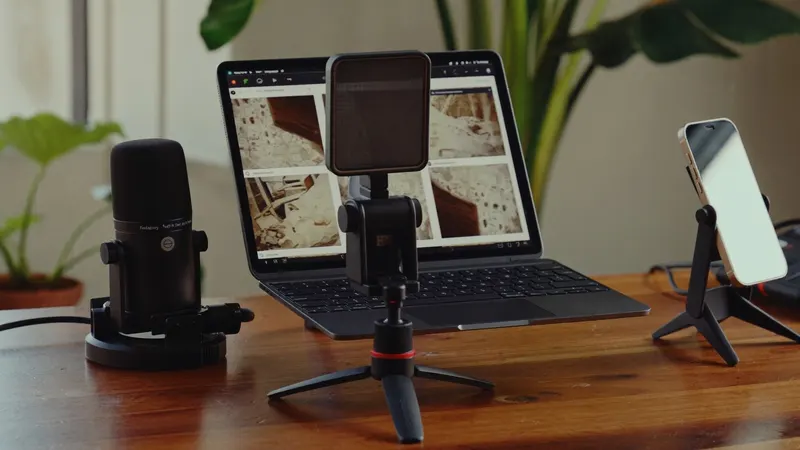 How to Film Yourself Talking to the CameraFilm yourself talking to the camera: frame at eye level, light your face, get clean audio, use a script or teleprompter, and record in short takes you can edit.
 By the TeleP team
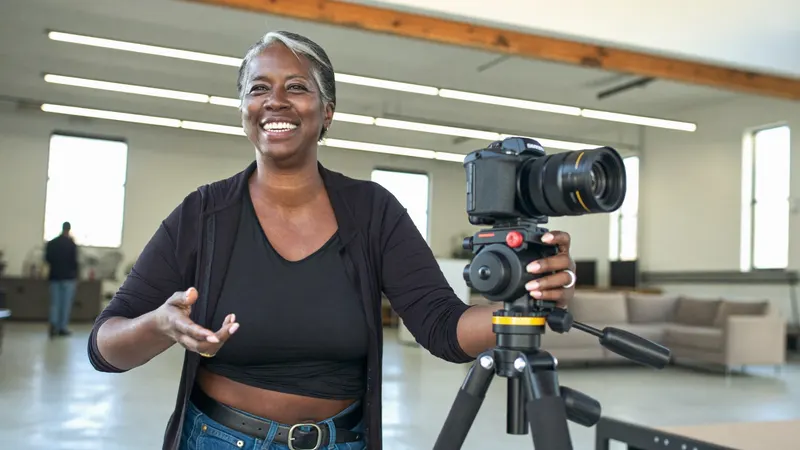 How to Look Confident on CameraLook confident on camera: set the lens at eye level, light your face, know your script, slow down, use your hands, and record short practice takes.By the TeleP team
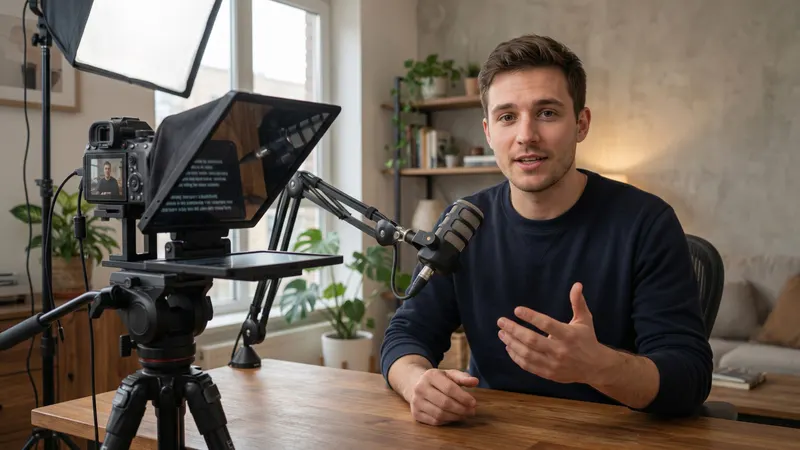 How to Maintain Eye Contact With the CameraKeep eye contact with the camera: lens at eye level, notes right beside it, talk to one person, plus practice drills for video calls and recordings.By the TeleP team
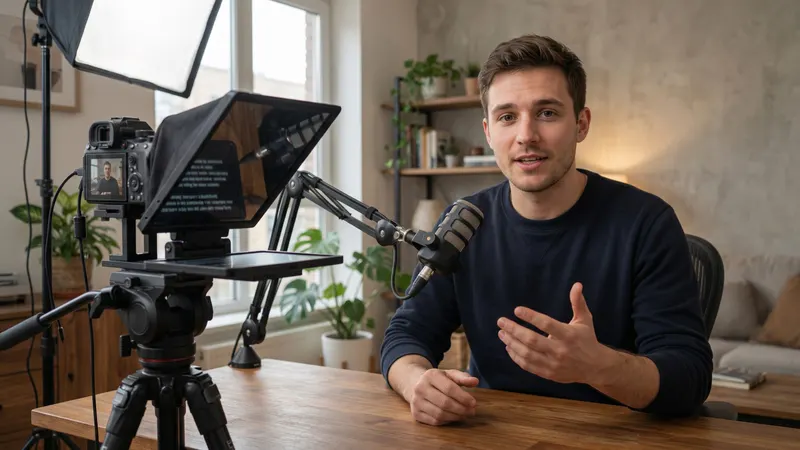 How to Record a Video PresentationRecord a video presentation of you plus your slides: plan and script it, set up camera, light and mic, read from a teleprompter, then record, review and export.By the TeleP team
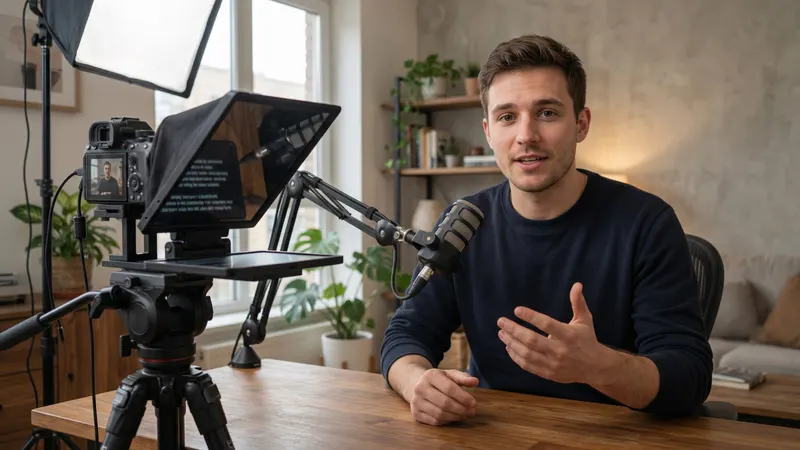 How to Set Up Lighting for Talking-Head VideoLight a talking-head video with a window, one lamp, or a key, fill and back light. Where each light goes, how to avoid glare on glasses, and quick fixes.By the TeleP team
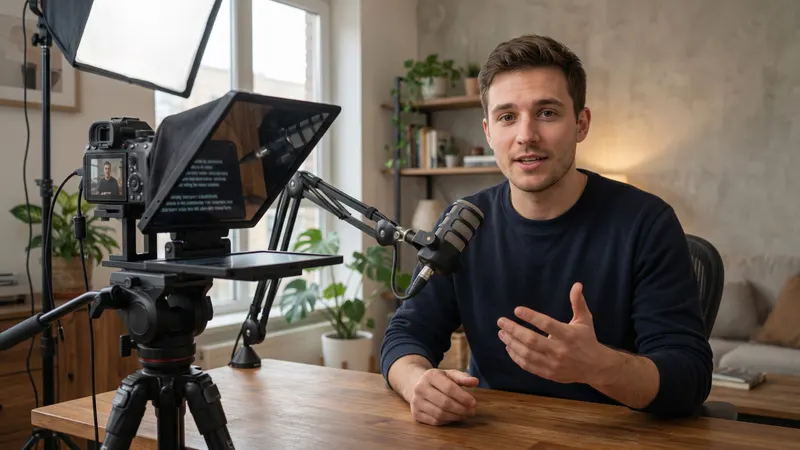 How to Use a Teleprompter for YouTube VideosUse a teleprompter for YouTube: script in short spoken lines, put the text at the lens, read in sections, and edit takes so the video sounds unscripted.By the TeleP team
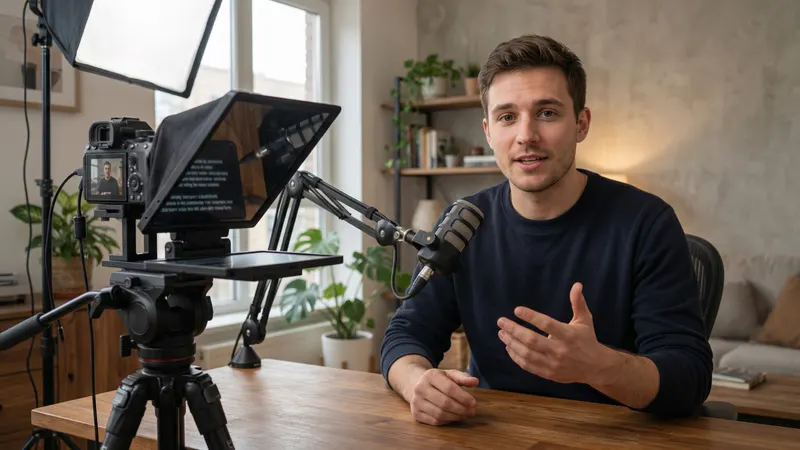 How to Use a Teleprompter on Google MeetUse a teleprompter on Google Meet: run a browser prompter in its own window under the webcam, present a single tab or window, and keep your script off screen.By the TeleP team
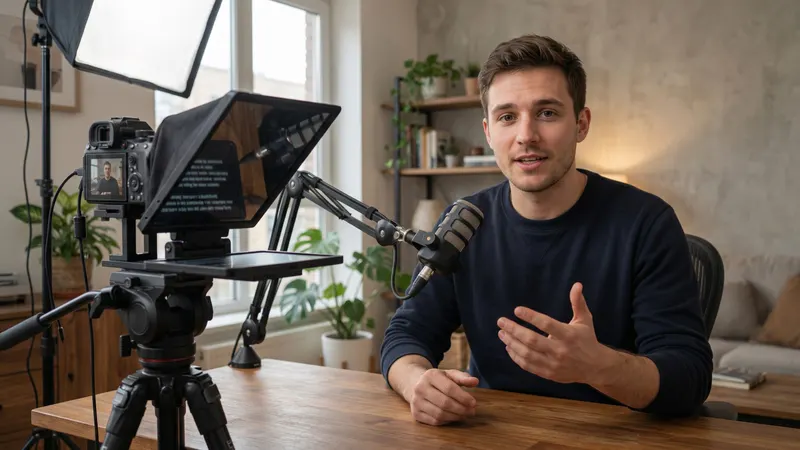 How to Use a Teleprompter on Microsoft TeamsUse a teleprompter on Microsoft Teams: put a browser prompter under the webcam, keep Teams below it, share one window, and read without looking down.By the TeleP team
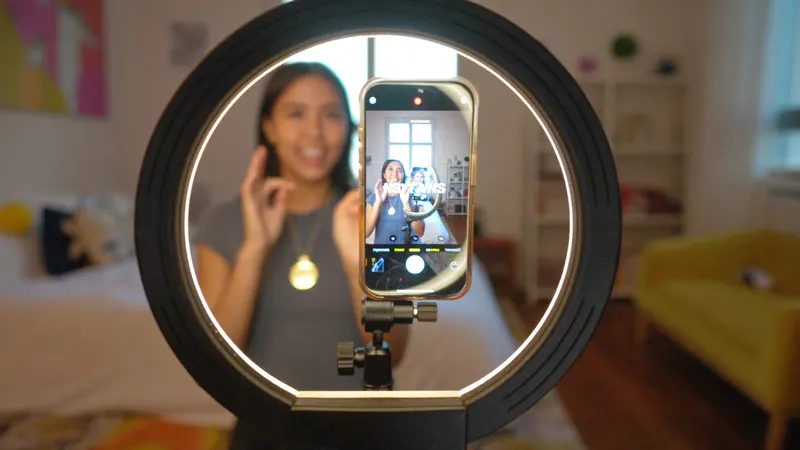 How to Use a Teleprompter on TikTokUse a teleprompter for TikTok: write a hook-first script, keep the text by the front camera, record vertical takes in sections, and add captions.By the TeleP team
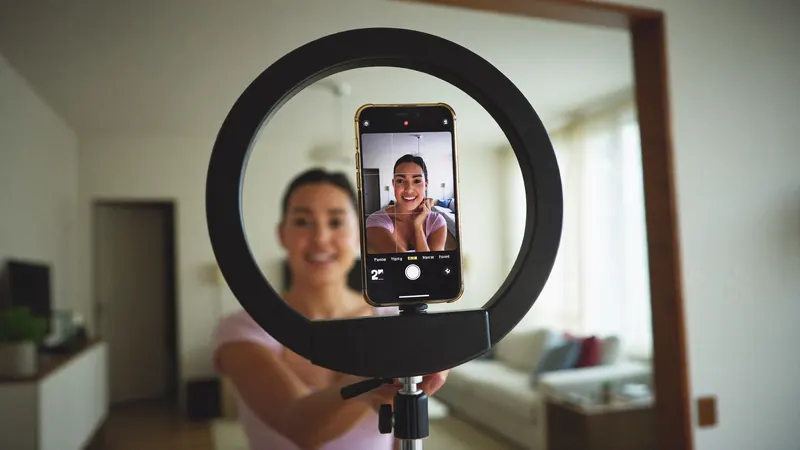 How to Use a Teleprompter on Your PhoneUse your phone as a teleprompter: pick an app or browser prompter, keep the text by the front camera, mount it at eye level, set speed, and record clean takes.By the TeleP team
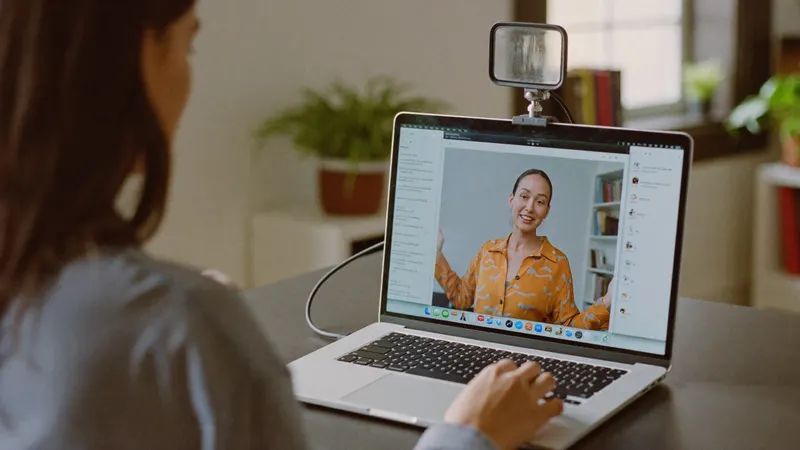 How to Use a Teleprompter on ZoomUse a teleprompter on Zoom: open a browser teleprompter, shrink it to a narrow strip right under your webcam, set the speed, and present without looking down.By the TeleP team
Talking-head video works best when the text sits close to the lens. These guides cover setups for YouTube, short-form video and calls. For desk recordings the online teleprompter can record your webcam locally while you read.
Free tools
- Words to time calculatorHow long will your script take to say out loud?
- Speech length calculatorHow many words should you write for a 3, 5 or 10-minute slot?
- Speech timerPractice timer with green, yellow and red timing lights.
- Script templatesFill-in scripts for videos, speeches and presentations.
- Teleprompter script formatterClean up pasted text so it reads well on a teleprompter.
- Reading speed testMeasure your own speaking pace in words per minute.